Black Screen similar games & best alternatives

Black Screen

PC (Microsoft Windows) • 2024

Should you play it?

This game is nothing more than a black image covering the entire screen area, without the presence of any incentives.

What works

  • Unique conceptual art experience
  • Encourages imagination and reflection
  • Minimalist design challenges gaming norms
  • Free to play
  • Runs on minimal hardware

Things to keep in mind

  • No gameplay or interaction
  • Lack of progression or goals
  • Can be perceived as pointless or frustrating
  • No social or multiplayer features
  • Some players find it pretentious or a waste of time

What to play next

Top picks

Games that feels the closest overall

  • Your Stepmom

  • My Friend Stalin

  • Virtual Interactive Fireplace

  • Nothing

  • Coloring Game 5

  • Unbox the Room

More sensation-seeking

Games that feels like Black Screen but with more sensory thrills and emotional fun

  • 0°N 0°W

  • The Catacombs of Solaris Revisited

  • Wurroom

  • Sono

  • Burning Daylight

  • Townscaper

Less experimental

Games that feels like Black Screen but with less emphasis on experimenting

  • Tree Simulator 2020

  • The Flood

  • 100 hidden gnomes

  • In The Rural Village of Nagoro

  • 100 Dino Cats

  • Seek Girl Ⅳ

More exploratory

Games that feels like Black Screen but with more exploration of areas and secrets

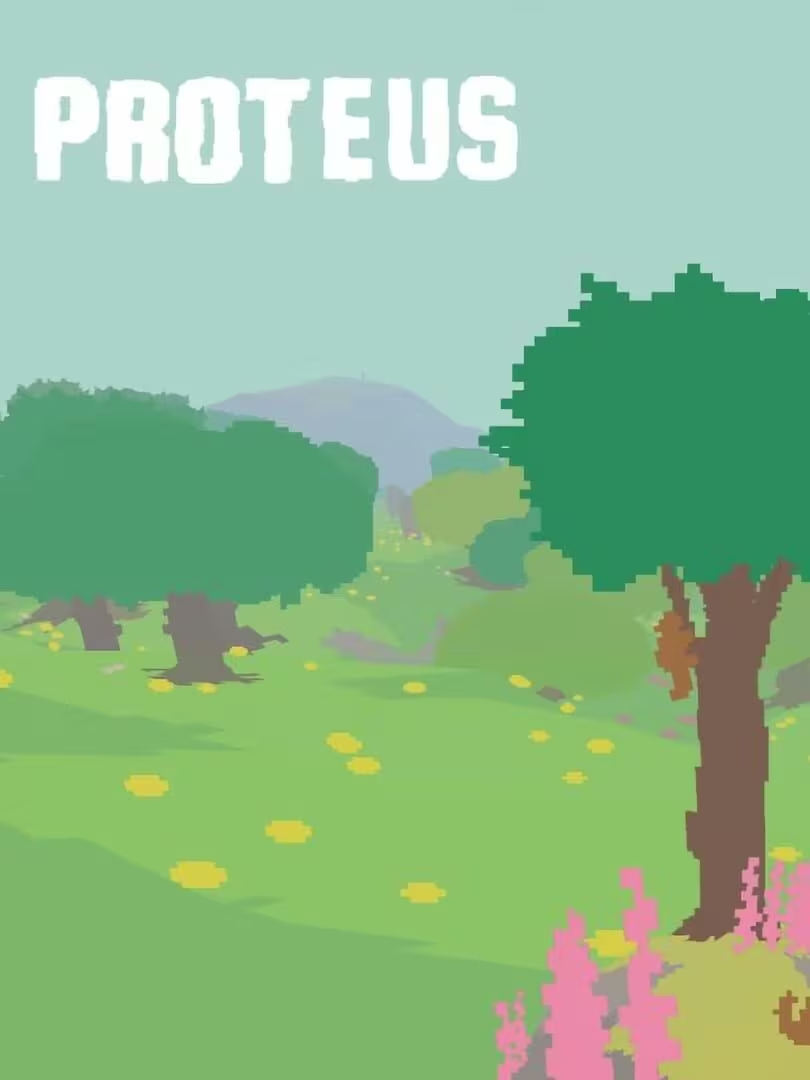
  • Proteus

  • Everything

  • Cape Hideous

  • Yume Nikki

  • Seeker

  • TAKANARIA

Less autonomous

Games that feels like Black Screen but with less freedom over how you play

  • Coconut Simulator

  • Paint Girl

  • Becalm

  • Borıng.

  • Cactus Simulator

  • KIDS

Choose your own criteria ->

Similarity map

How to compare these games

Compare nearby games

Each card is a nearby game on the similarity map, compared with Black Screen. Swipe sideways to move between games. Titles already listed in What to play next are left out.

  • Cover and title: open that game’s page.
  • What works / keep in mind: the same highlights as the desktop comparison panel.
  • Bars: the main motivational differences versus this game.
How to use the graph

Similarity map

Each dot is a game placed from its motivation profile relative to this page’s game. Direction shows which motivation differs most; distance along that axis shows how large the gap is.

  • Purple star: this page’s game at the centre — everything is relative to it.
  • Direction: each axis is a main motivational difference vs this game (e.g. more / less competitive).
  • Distance on an axis: how large that difference is (ring scales show +/− points).
  • Coloured chips: click to highlight games that mainly differ on that motivation; click again to reset.
  • Dotted line: link between this page’s game and the one selected for comparison.
  • Hover a dot to preview that game in the panel on the right; click to keep that comparison.
  • Scroll or double-click the chart to zoom.

How to read the map This is a polar difference map: direction = which motivation differs, and distance = how much (same units as the sidebar deltas).

Swipe to compare nearby games with Black Screen. These titles are not in What to play next.

Black Screen: Less representative of its motivational profile, with noticeable differences. Motivations that often define this kind of title include Strategy, Survival, Thrill, Competence. It leans lower than usual among comparable games on Sensation, Progression, Growth.

Last update: 22/08/2026